


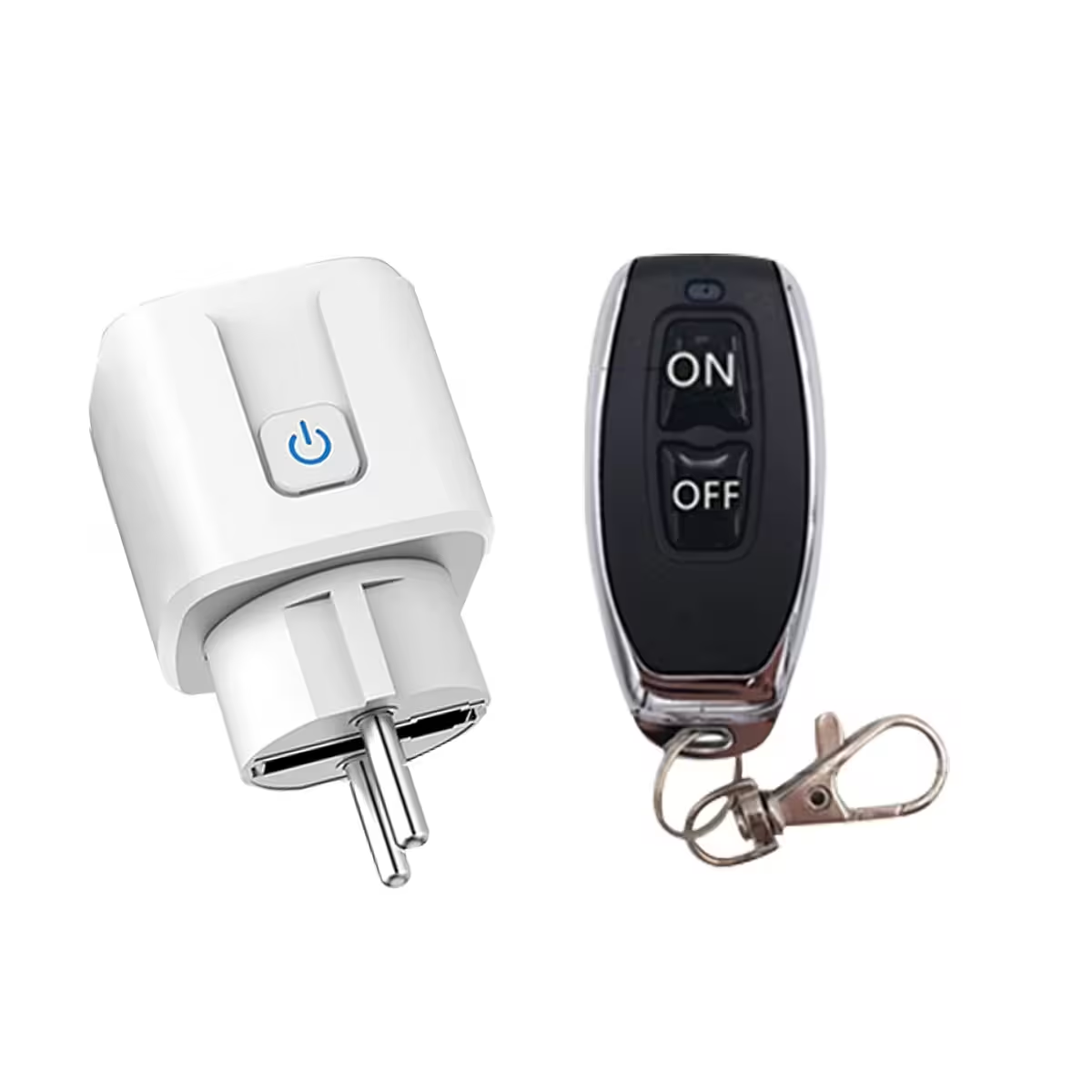
Take full control with the RF433 Radio Controlled Socket — no WiFi, no apps, no hassle
Do you often forget to turn off the bedroom heater before drifting off? Or perhaps you’d like to switch on the garden lights without getting up from the sofa? An RF433 radio-controlled socket solves these everyday inconveniences in seconds — no electrical installation, no router, and no smartphone apps required.
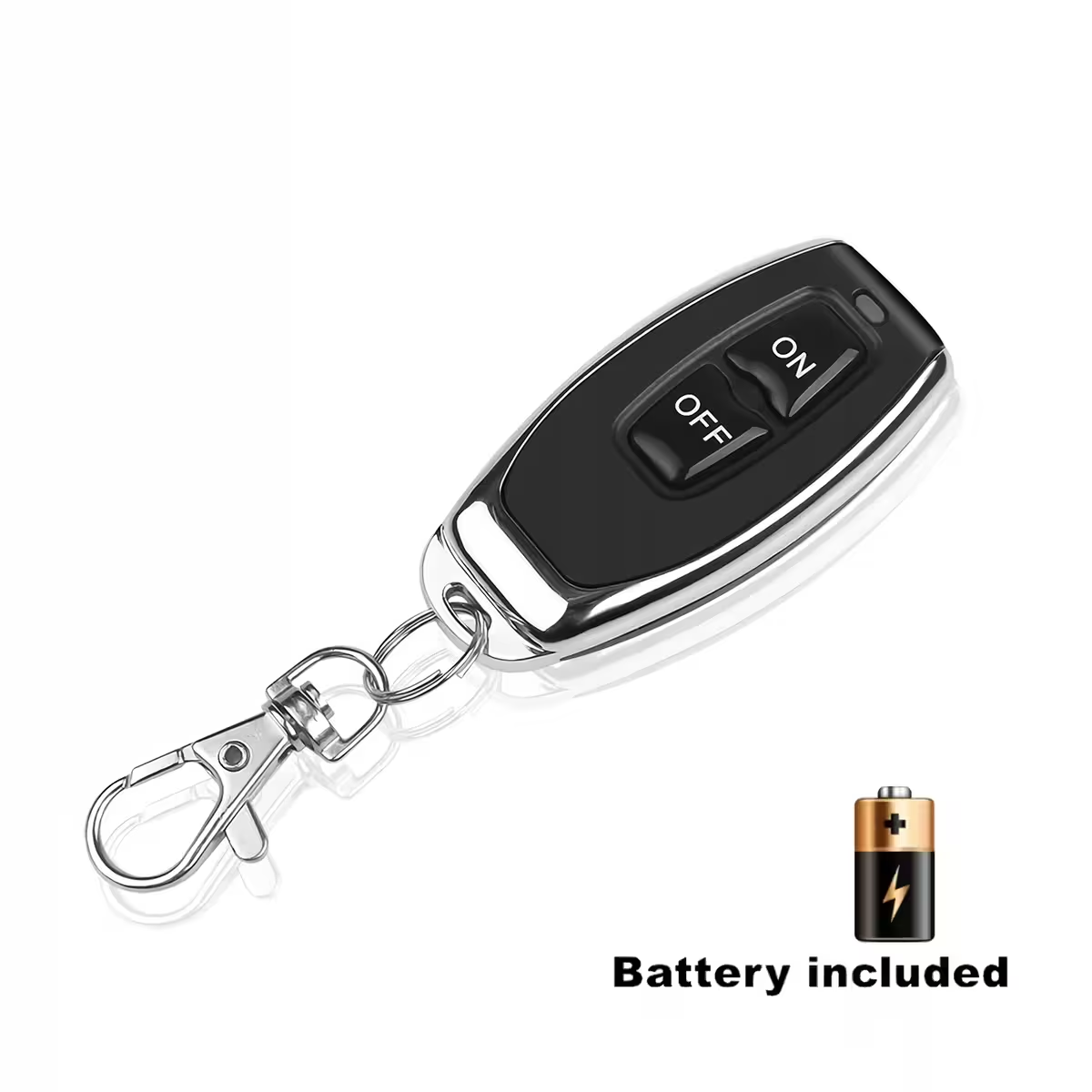
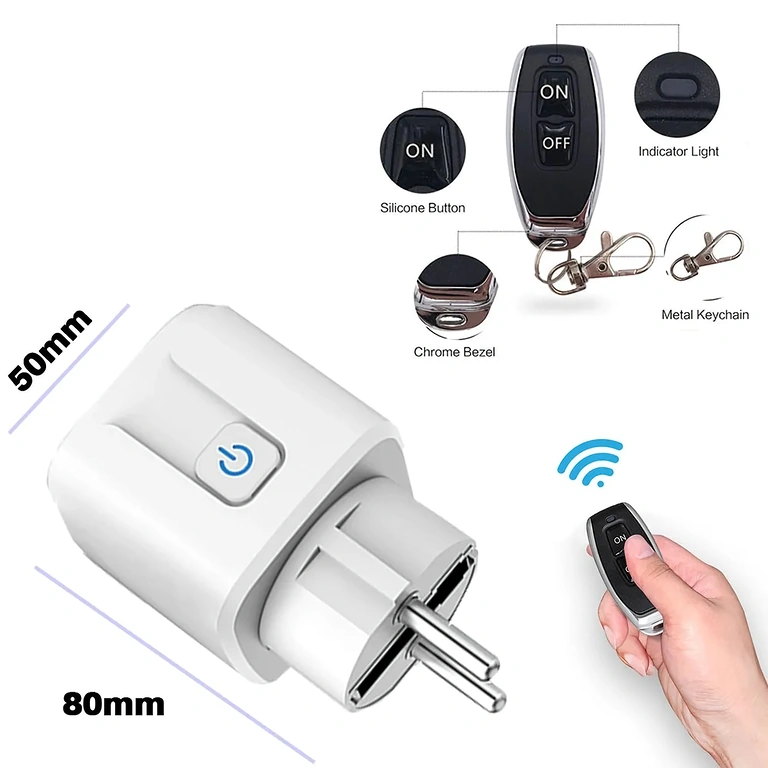
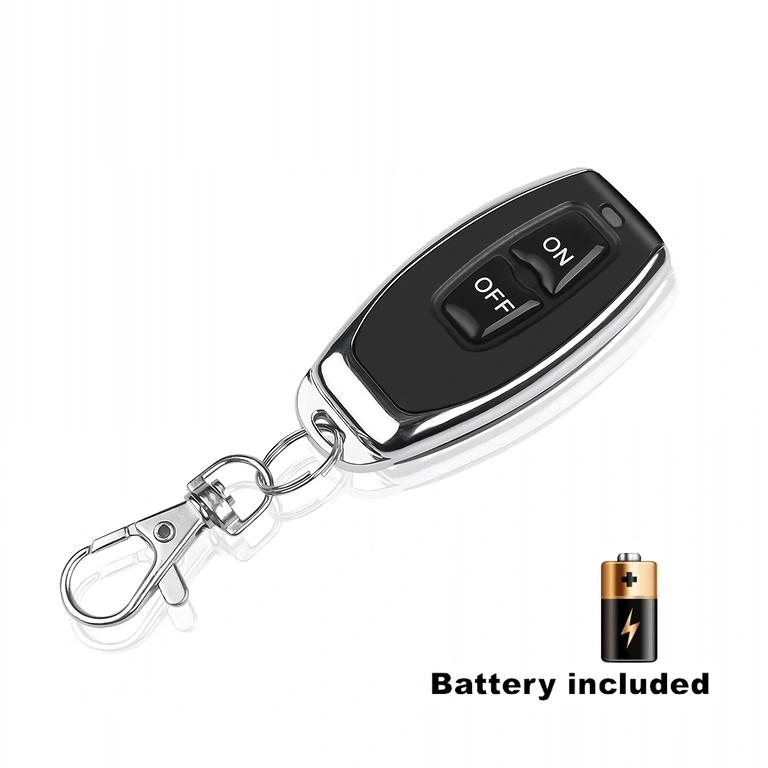
Note: The package includes one receiver socket and one RF433 remote control. No app or network configuration is needed. It works immediately after pairing.
Why choose this radio-controlled socket? (Key benefits):
- No internet or WiFi required — operates completely independently of any network, making it perfect for remote cabins or areas with poor signal.
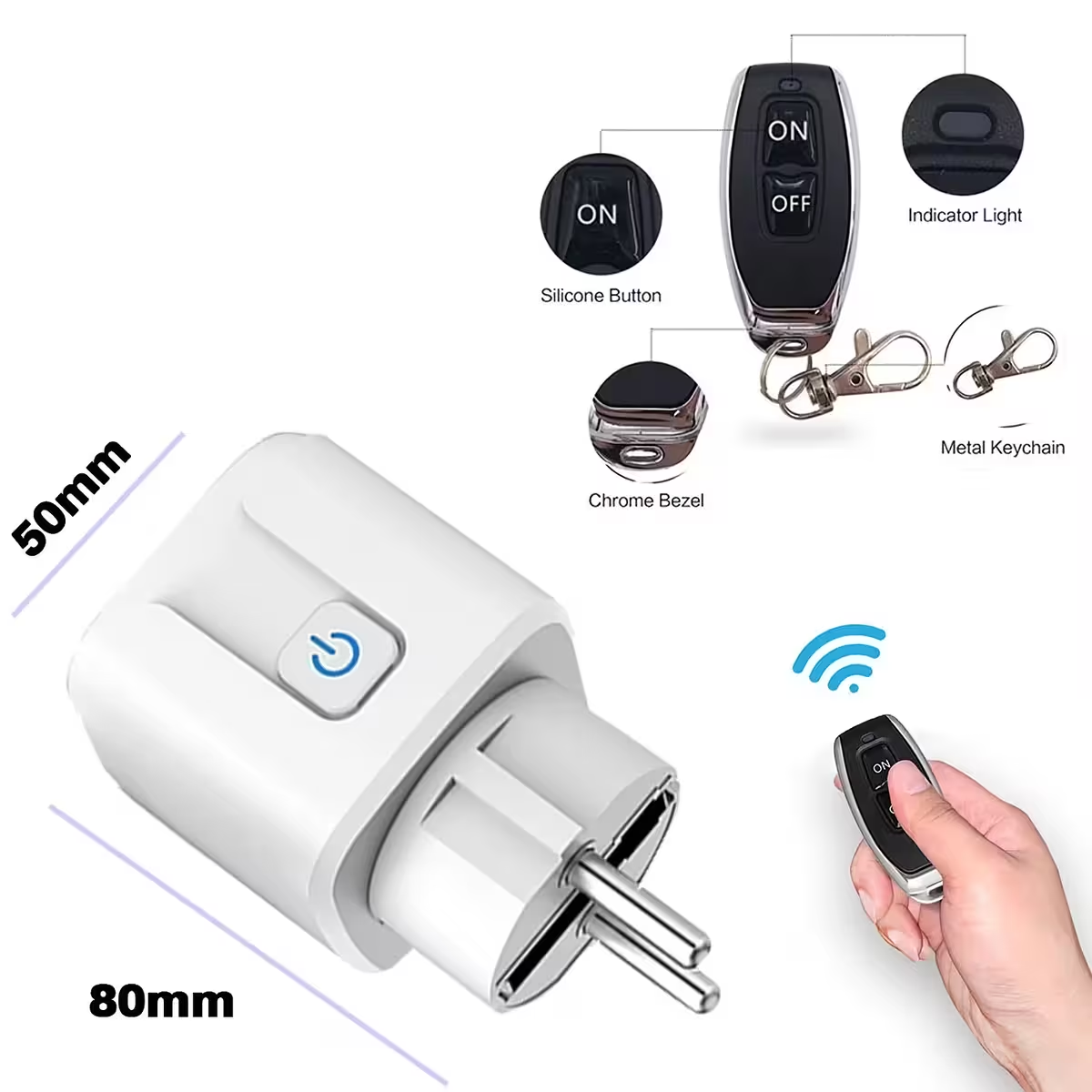
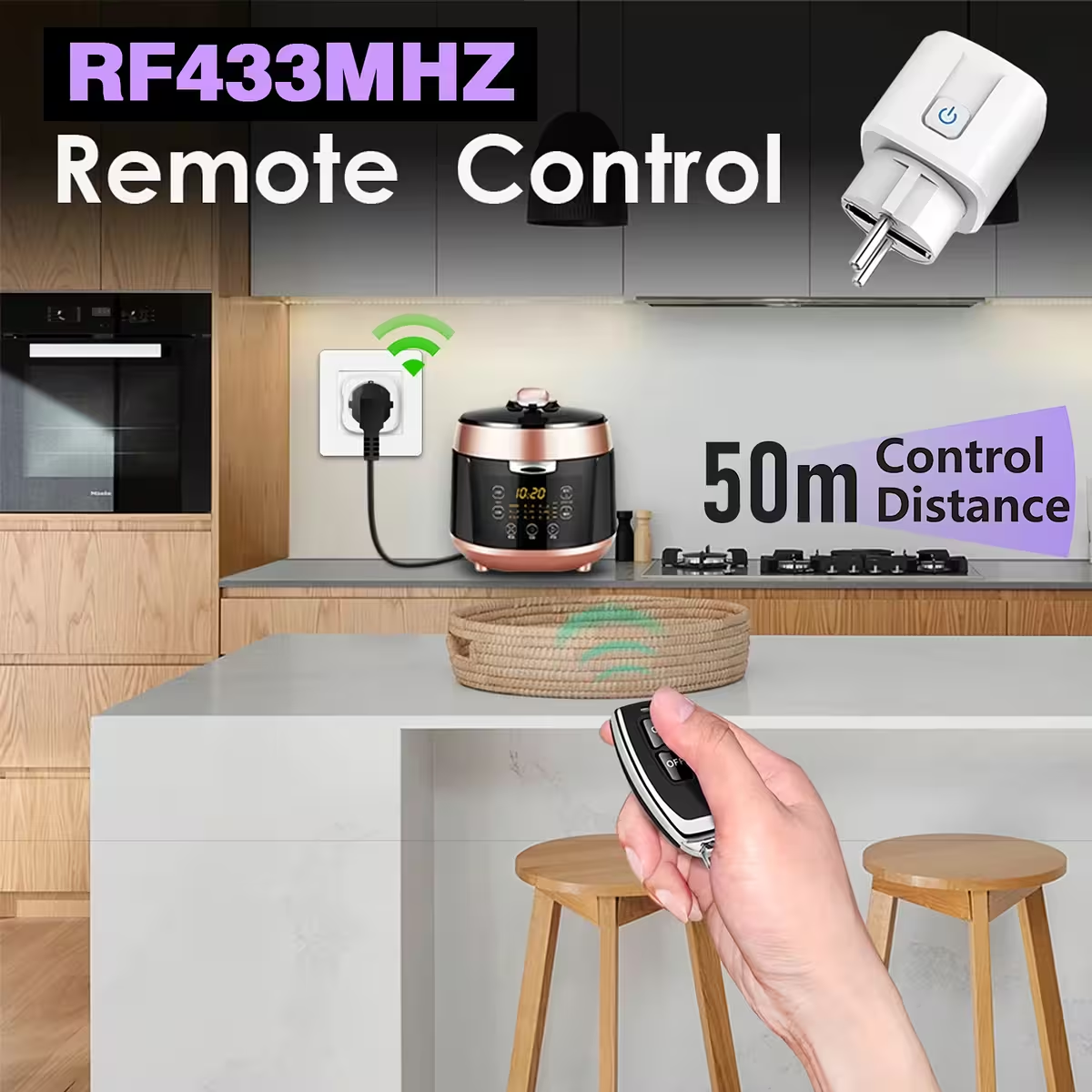
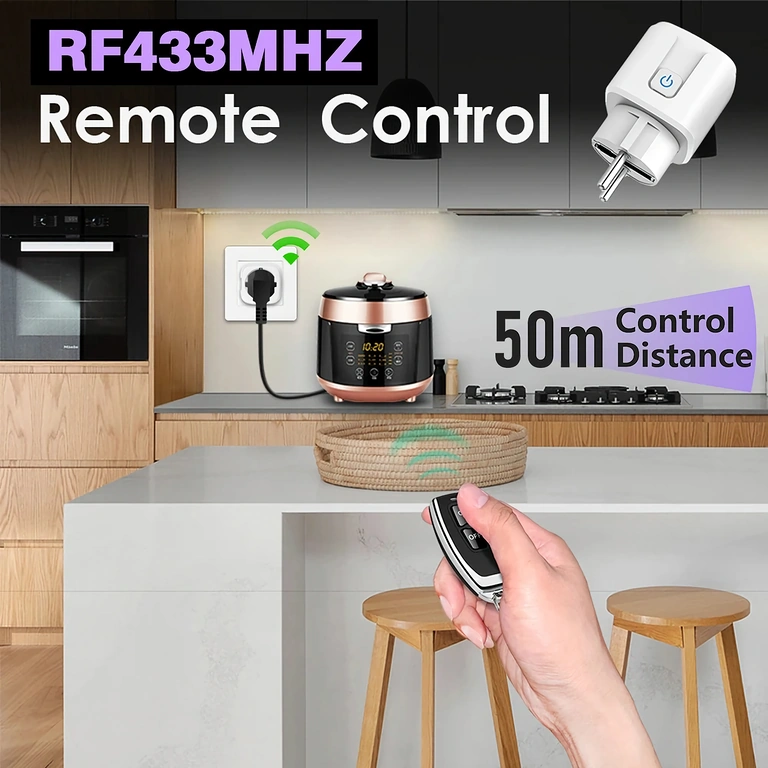
- 50-metre range — control your appliances from any room or even from the garden without having to move.
- 16A maximum current — supports heaters, boilers, and pumps, unlike standard 10A smart plugs.
- Instant plug & play — simply plug it in, pair it with the remote in 30 seconds, and you are ready to go.
- Ideal for seniors and those with limited mobility — eliminates the need to walk across the room to reach a switch.
- Supports up to 20 remotes — every family member can have their own dedicated remote control.
- Compatible with 1527 and 2262 codes — integrates directly into your existing automation systems.
Performance and Specifications
The socket operates on a universal AC 100-240V / 50-60Hz voltage, making it suitable for use in any home across Ireland, Luxembourg, Malta, or the rest of Europe without the need for adapters. Communication is handled via a 433 MHz radio frequency — a signal that penetrates walls effectively and remains unaffected by common home WiFi or Bluetooth interference.
The 16A maximum current allows you to connect appliances with a power draw of up to 3,500W — meaning a 2,000W boiler or a 3,000W heater can be managed with ease. The dual coding system (1527 Learning Code and 2262 Fixed Code) ensures broad compatibility with existing remotes and RF automation hubs.
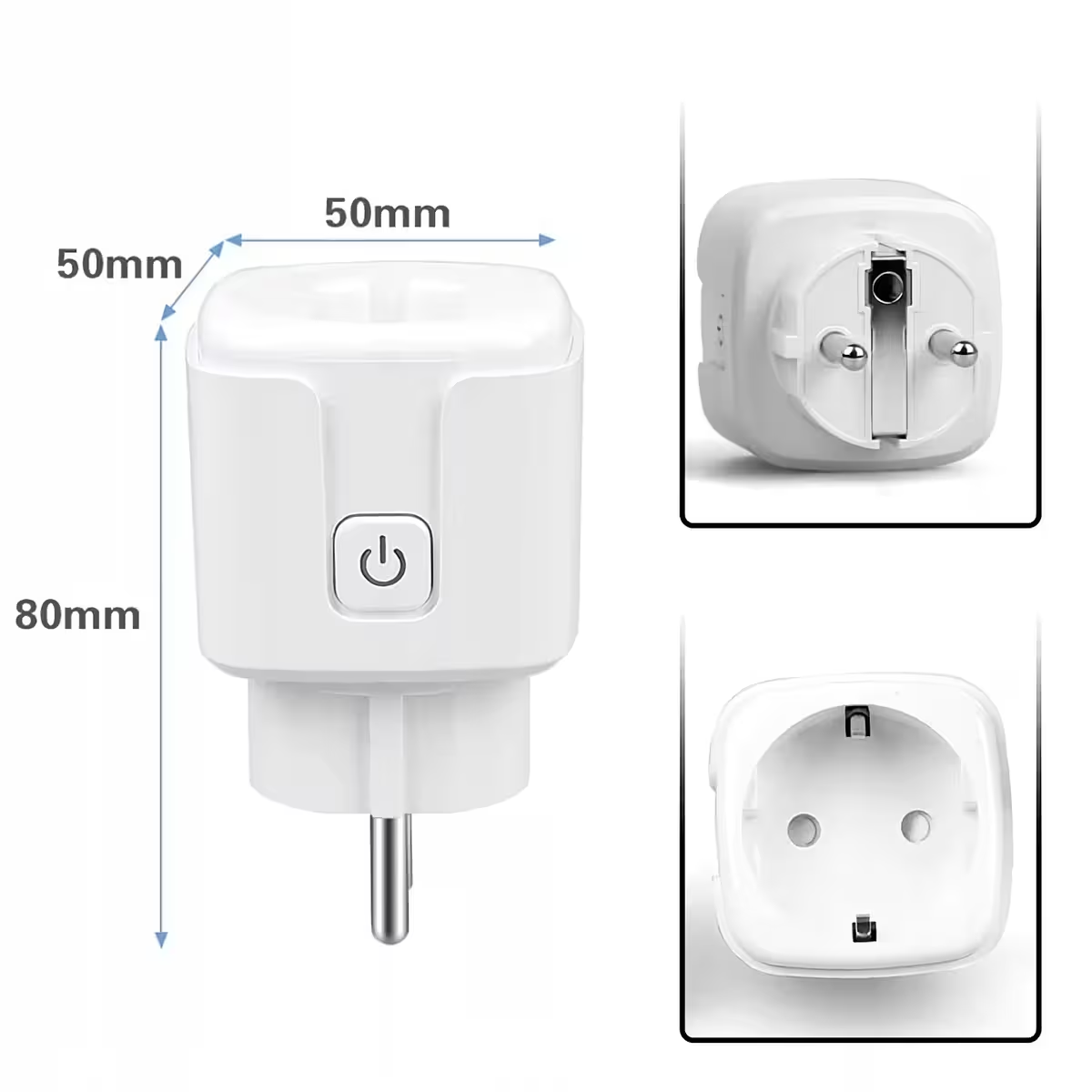
| Parameter | Value / Detail |
|---|---|
| Operating voltage | AC 100-240V |
| Mains frequency | 50/60 Hz |
| Maximum current | 16A |
| Remote frequency | RF 433 MHz |
| Maximum distance | 50 m (open space) |
| Max stored remotes | 20 |
| Supported coding | 1527 Learning Code / 2262 Fixed Code |
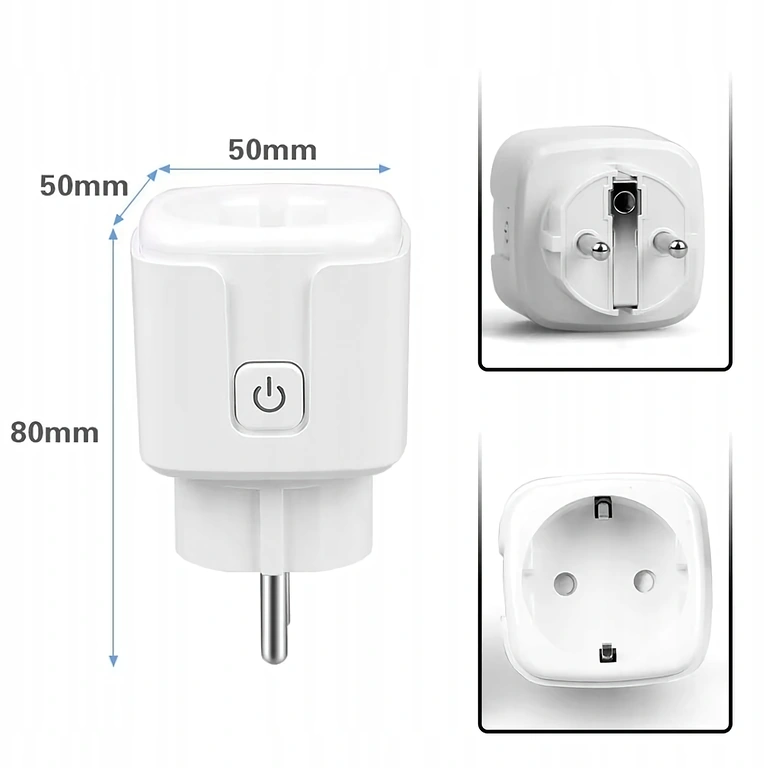
| Socket dimensions | 68 x 37 x 53 mm |
| Remote dimensions | 61 x 29 x 12 mm |
| Connection | Plug & play, no electrical installation |
Programming and Usage Instructions
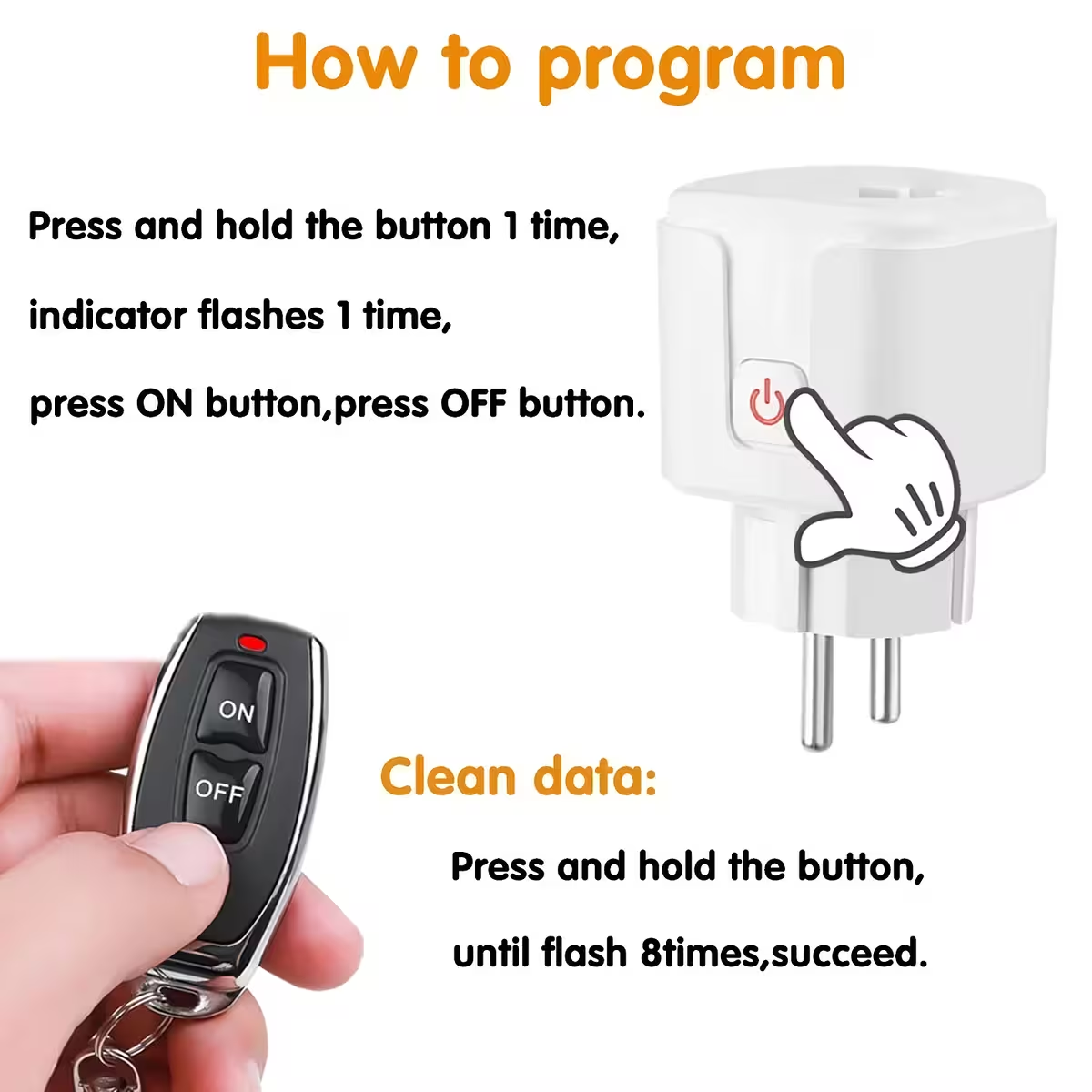
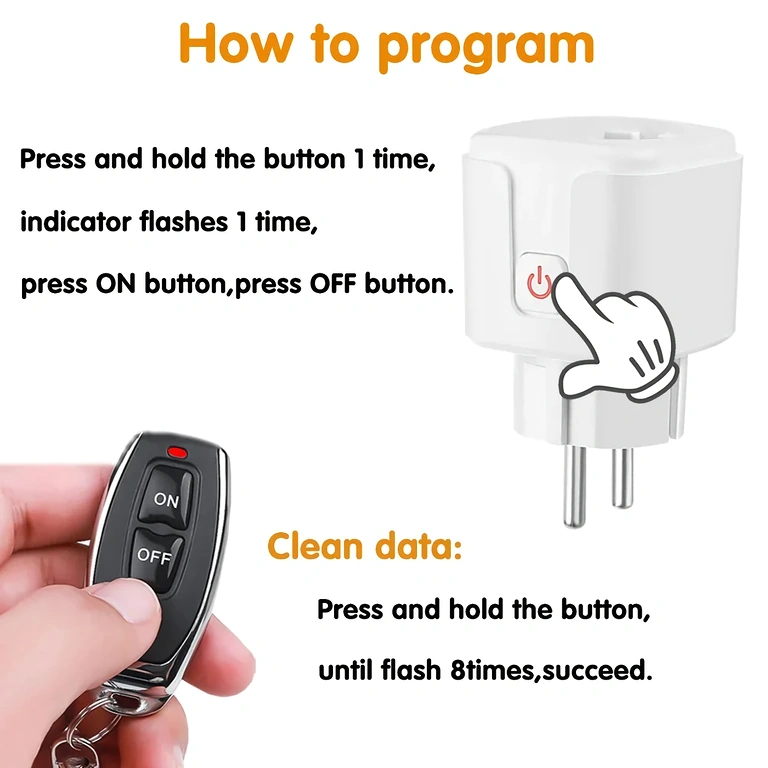
- Pairing a new remote: Press and hold the learning button on the socket until the LED indicator flashes once, then press the desired button on the remote once. The LED will blink to confirm the pairing.
- Full reset (clearing all remotes): Press and hold the learning button until the LED indicator flashes 8 times consecutively. All stored remotes will be cleared, allowing you to start fresh.
- Daily use: Press the button on the remote once to activate the socket, and press it again to turn it off — just like a standard light switch.
- Adding multiple remotes: Repeat the pairing procedure for each additional remote. You can store up to 20 remotes in total.
Package Contents
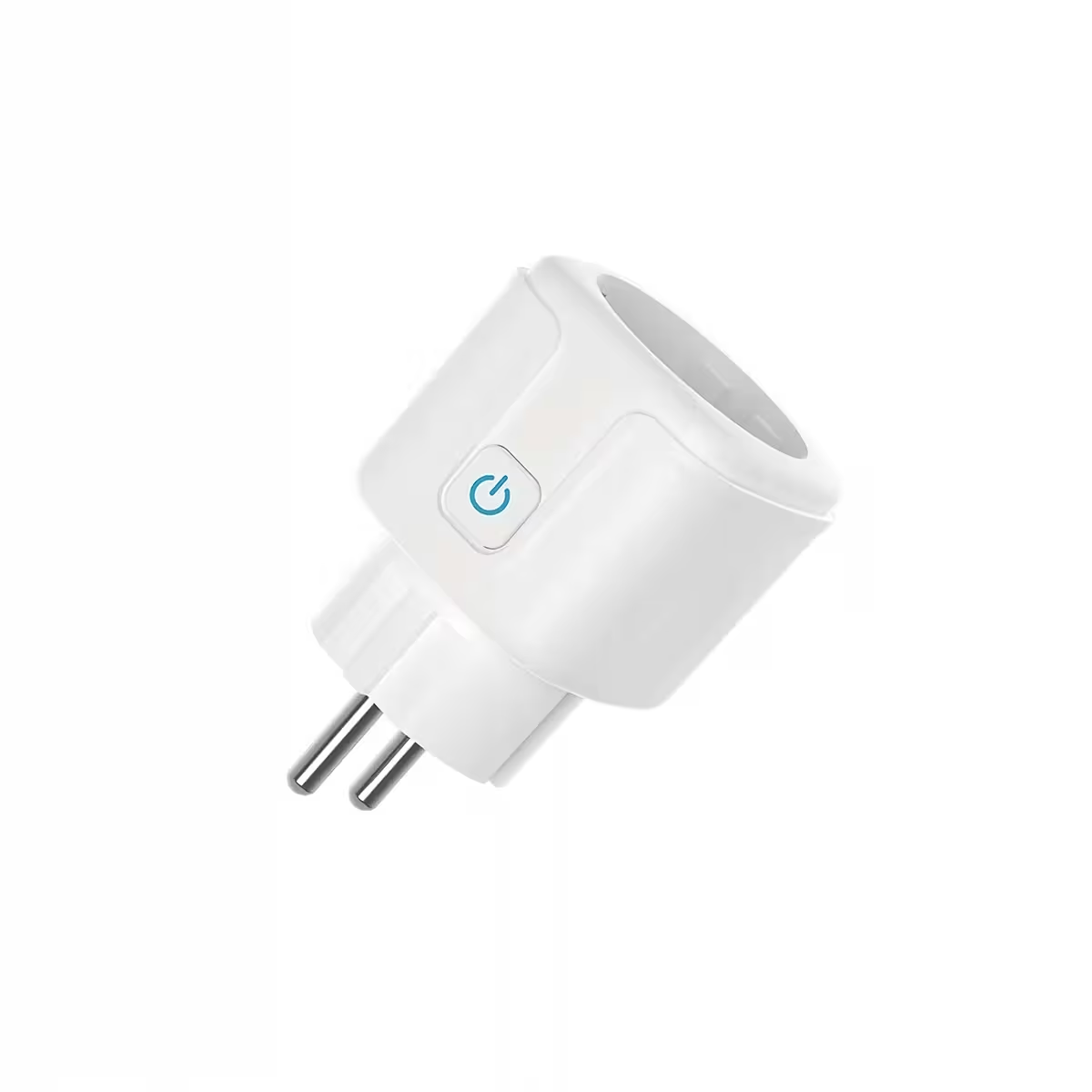
- 1x RF433 Receiver Socket (16A, 100-240V)
- 1x RF433 MHz Remote Control
Frequently Asked Questions
Does it need internet or WiFi to function?
No. The socket works exclusively via an RF433 MHz radio signal, completely independent of any wireless network or internet connection. It works perfectly in holiday homes or locations without a router.
What appliances can be controlled with this socket?
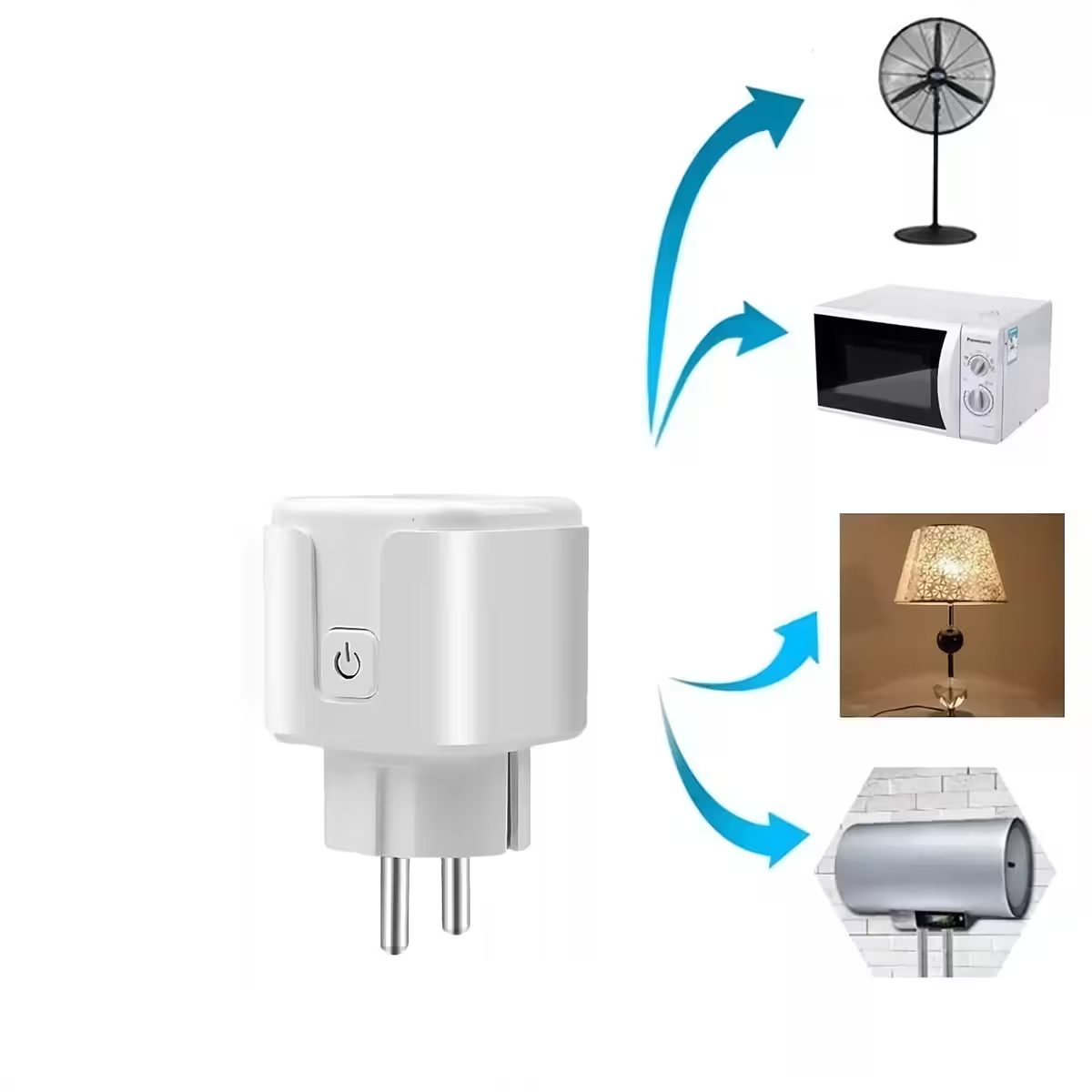
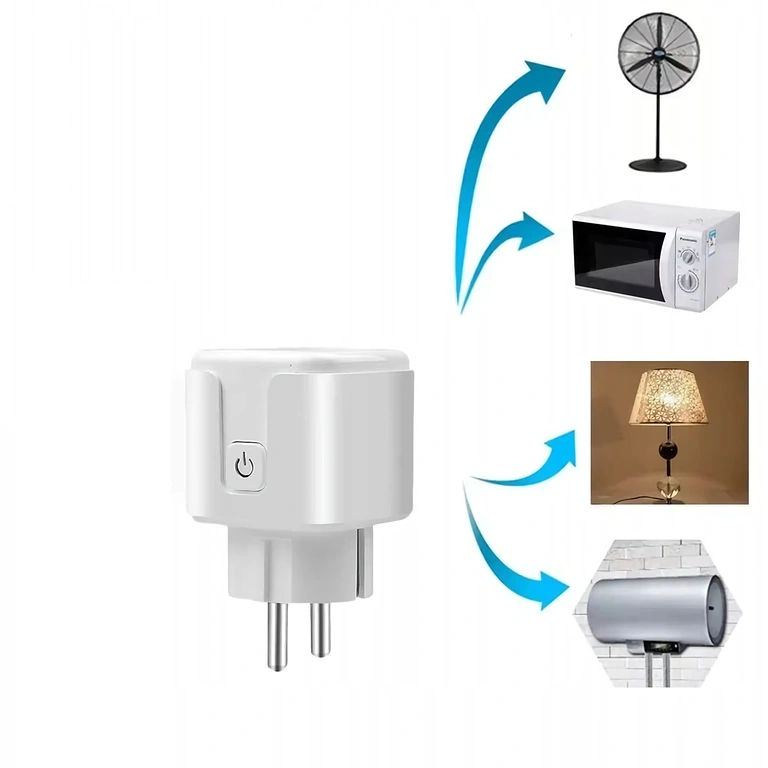
Any electrical appliance with a power draw of up to 16A: lamps, fans, electric heaters, boilers, televisions, and audio systems. The power limit is approximately 3,500W at 220V.
Does it work with RF433 remotes I already own?
Yes, provided your remote uses the 1527 Learning Code or 2262 Fixed Code at 433 MHz, you can pair it directly with the socket without any issues.
What should I do if the socket stops responding to the remote?
Perform a full reset — press and hold the learning button until the LED flashes 8 times — then repeat the pairing procedure from the beginning. It takes less than a minute.
Photo Gallery
Reviews
There are no reviews yet.