


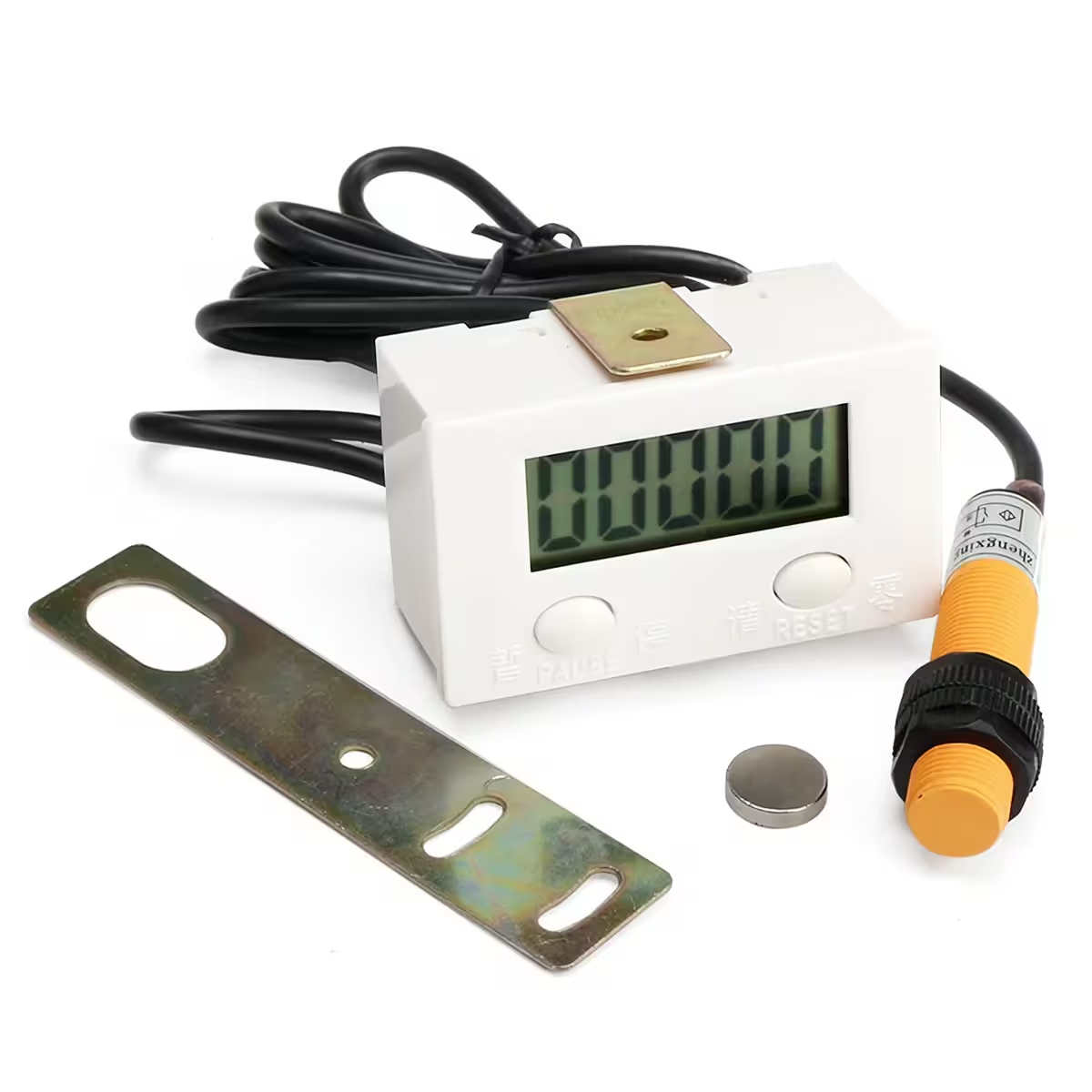
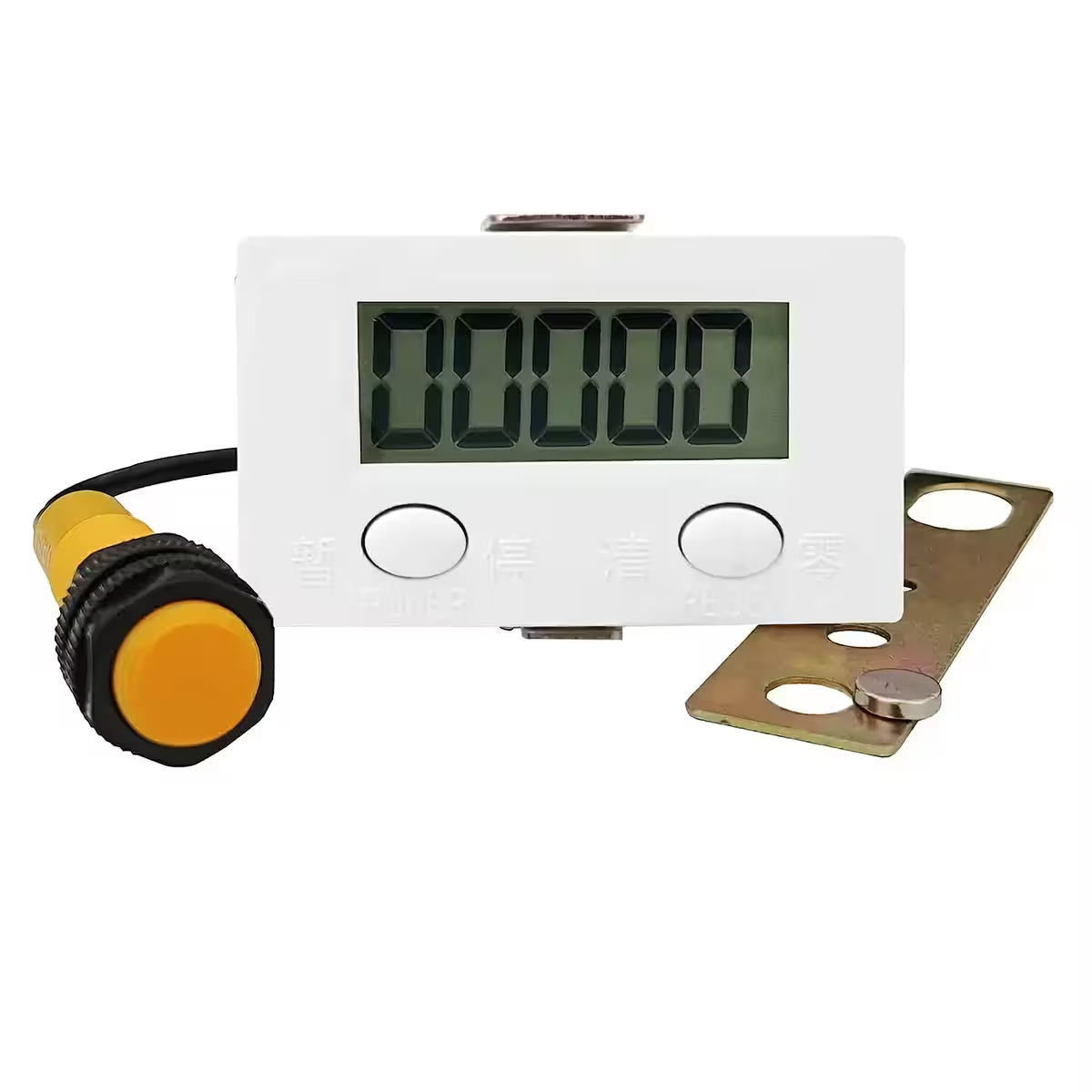
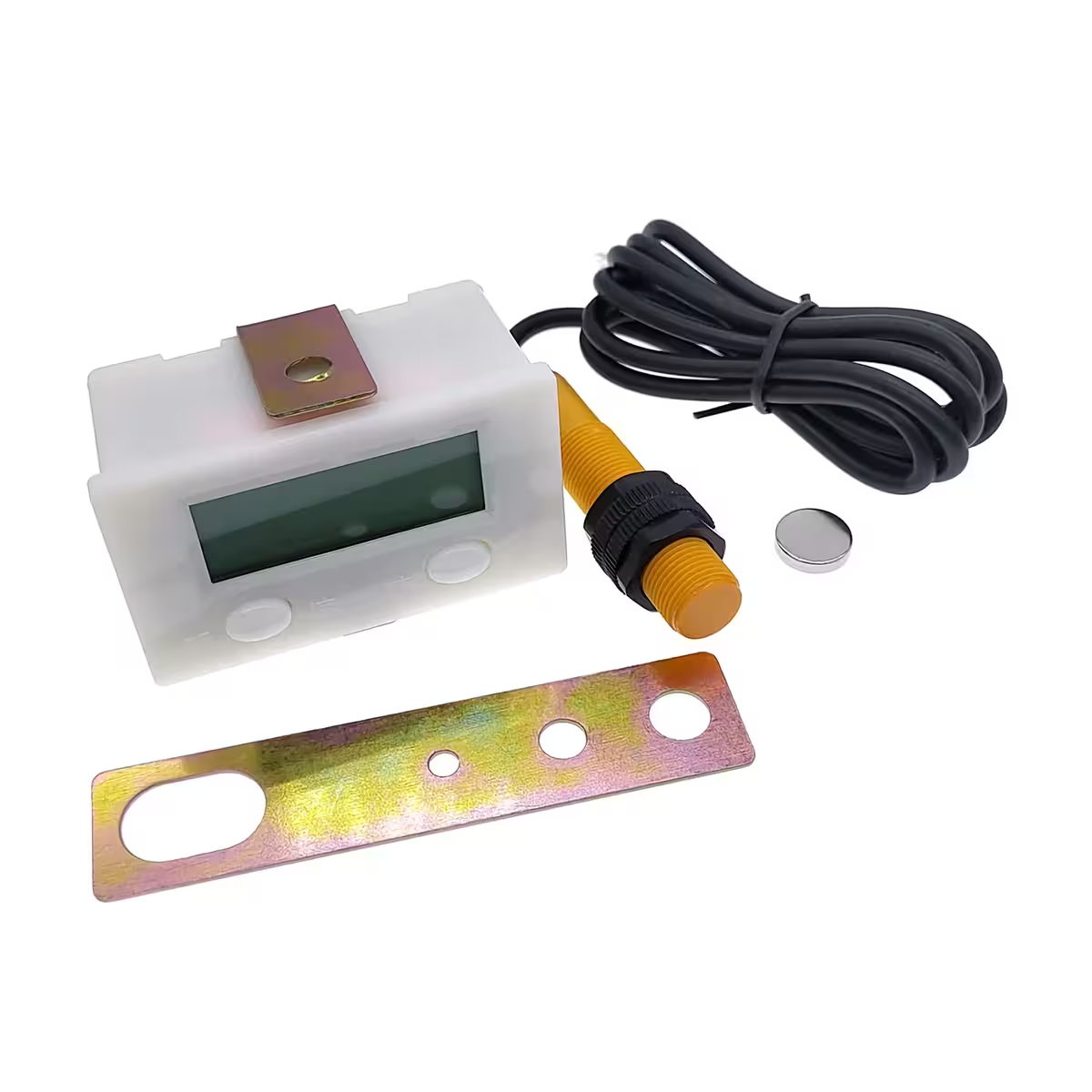
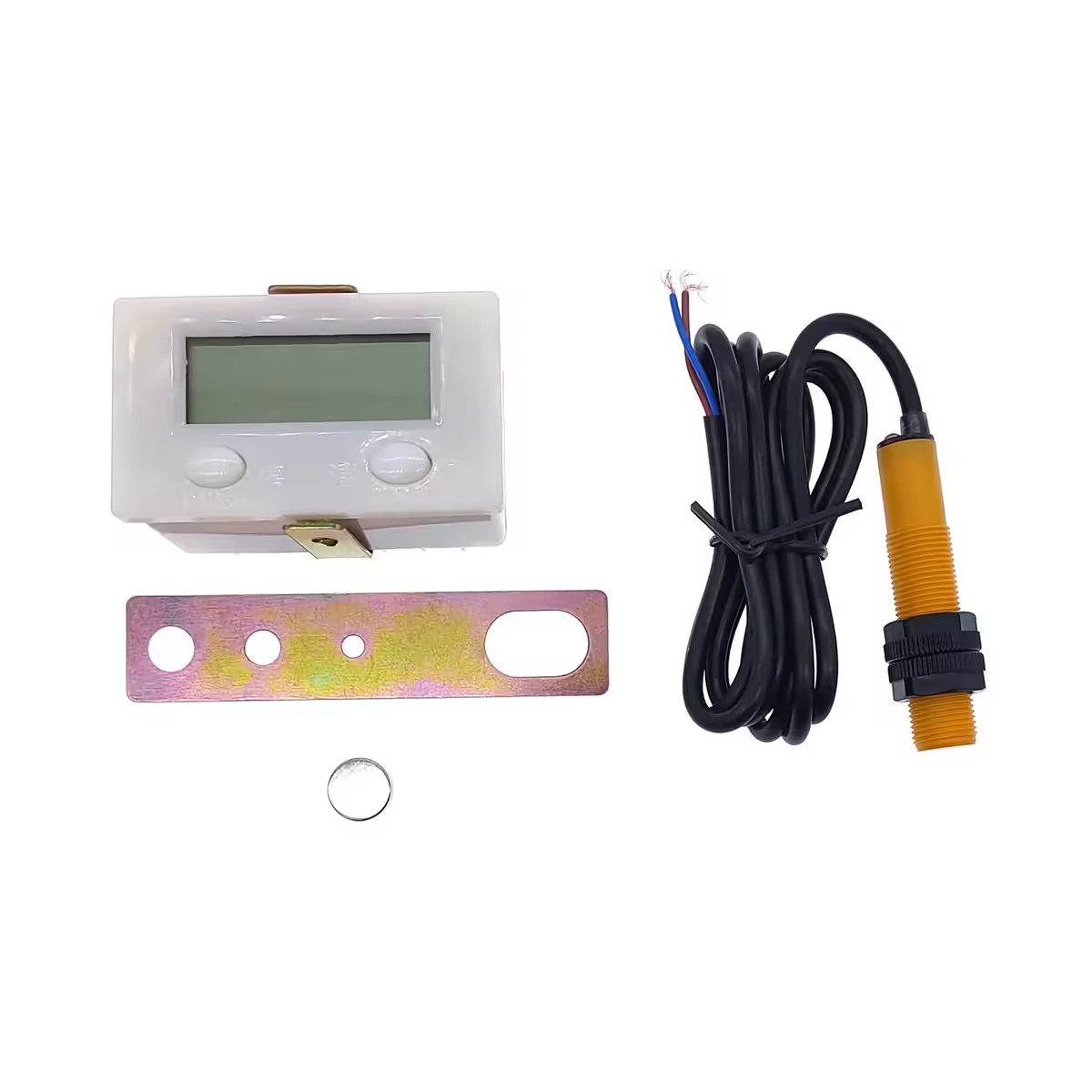
ZX-5DK Digital Pulse Counter – True battery-powered autonomy, ready to install in 10 minutes
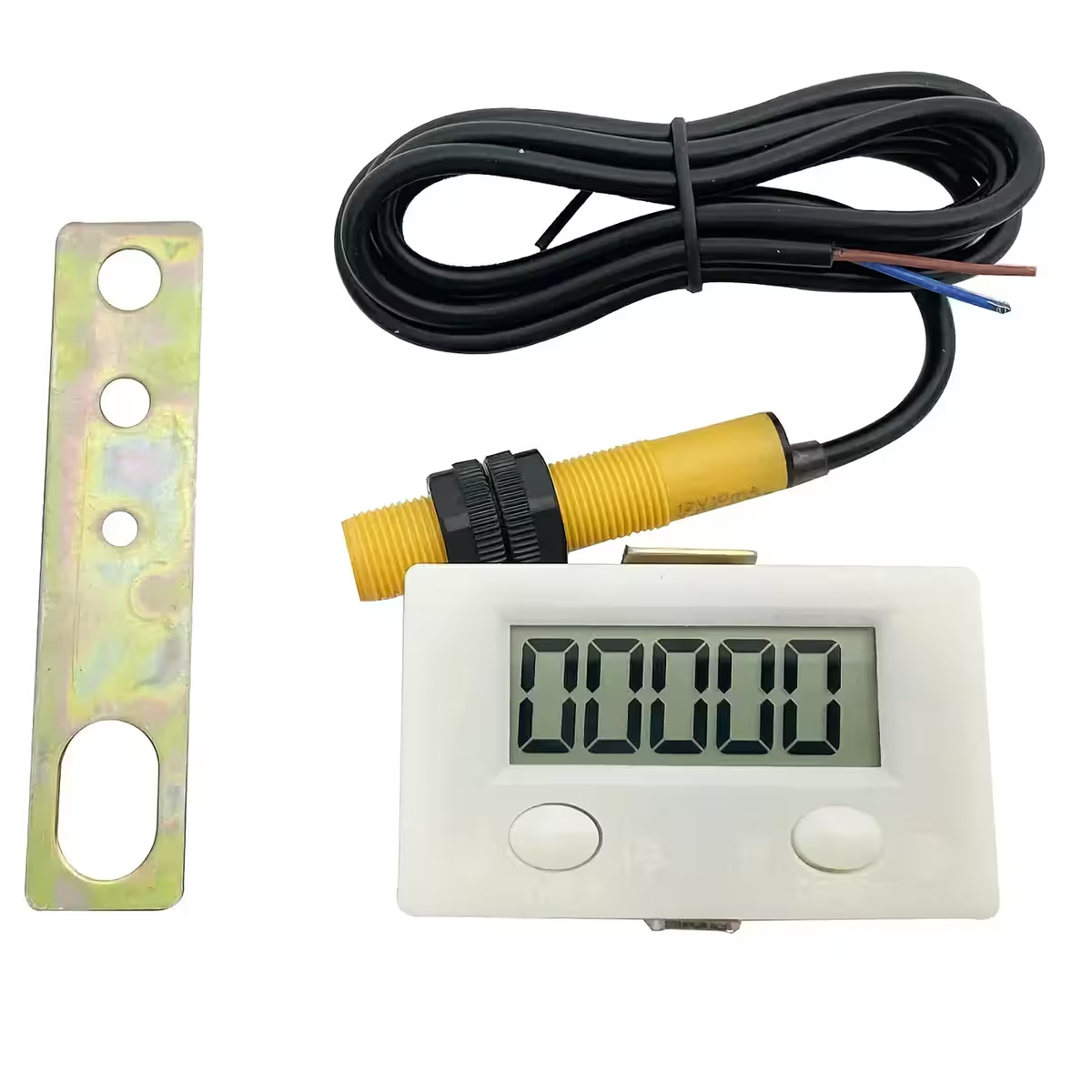
Need to track cycles, rotations, or footfall without the hassle of running power cables through your control panel? The ZX-5DK is a fully autonomous digital pulse counter that runs on a single AA battery—no transformers, no external power supplies, and no complex wiring. The kit includes an M12 magnetic reed sensor, magnet, and mounting accessories, making it ready for immediate use.
Note: The AA (R6) battery is not included. The device counts upwards only (00000–99999). For counting pulses from a 220–240V AC mains circuit, please connect via the dry contact of an intermediate relay.
Why choose the ZX-5DK counter? (Key Benefits):
- 1–2 year battery life (AA) — No external power source required; no modifications to your electrical panel needed.
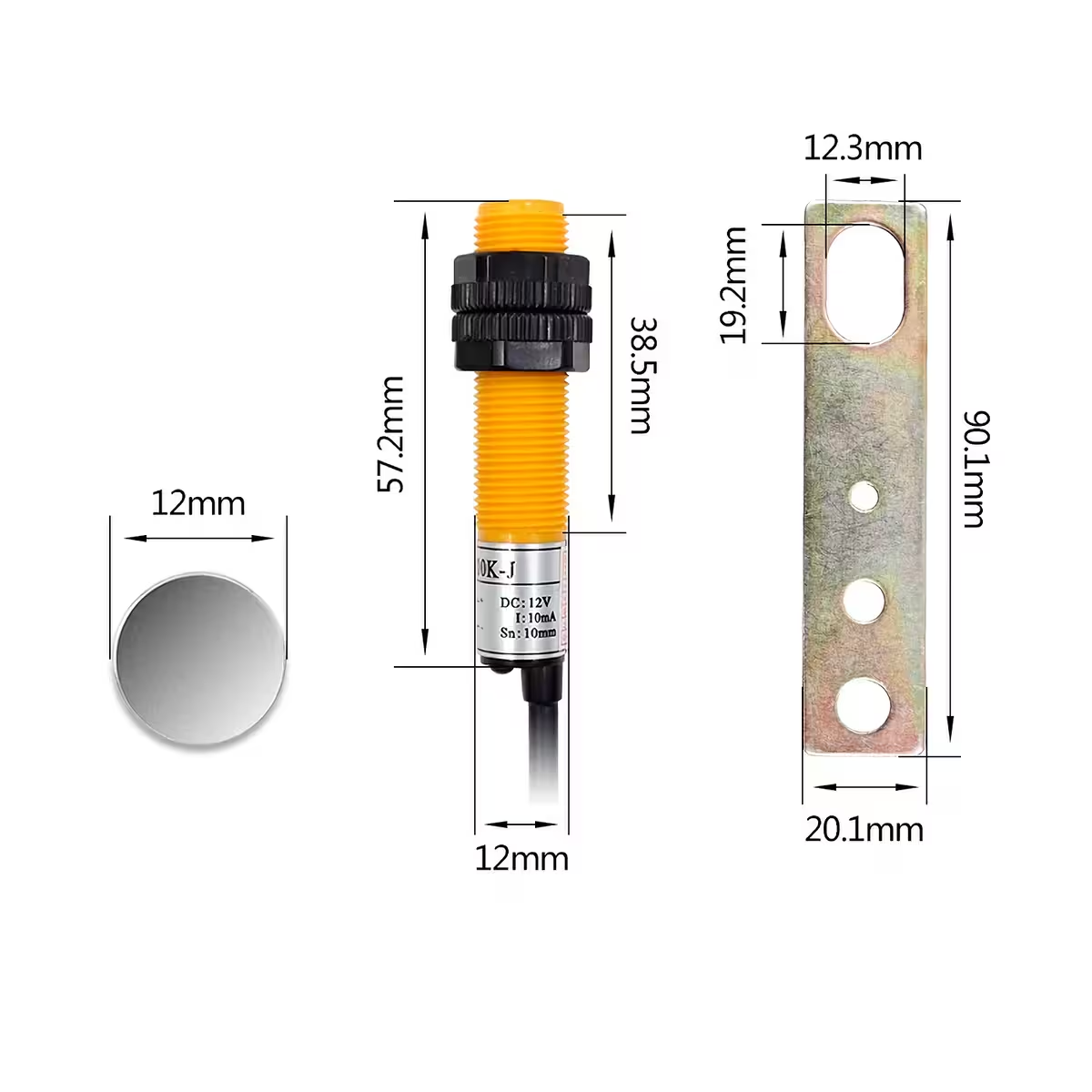
- Complete M12 Reed Sensor kit included — Includes 12×3 mm disc magnet, mounting bracket, and fixing nuts.
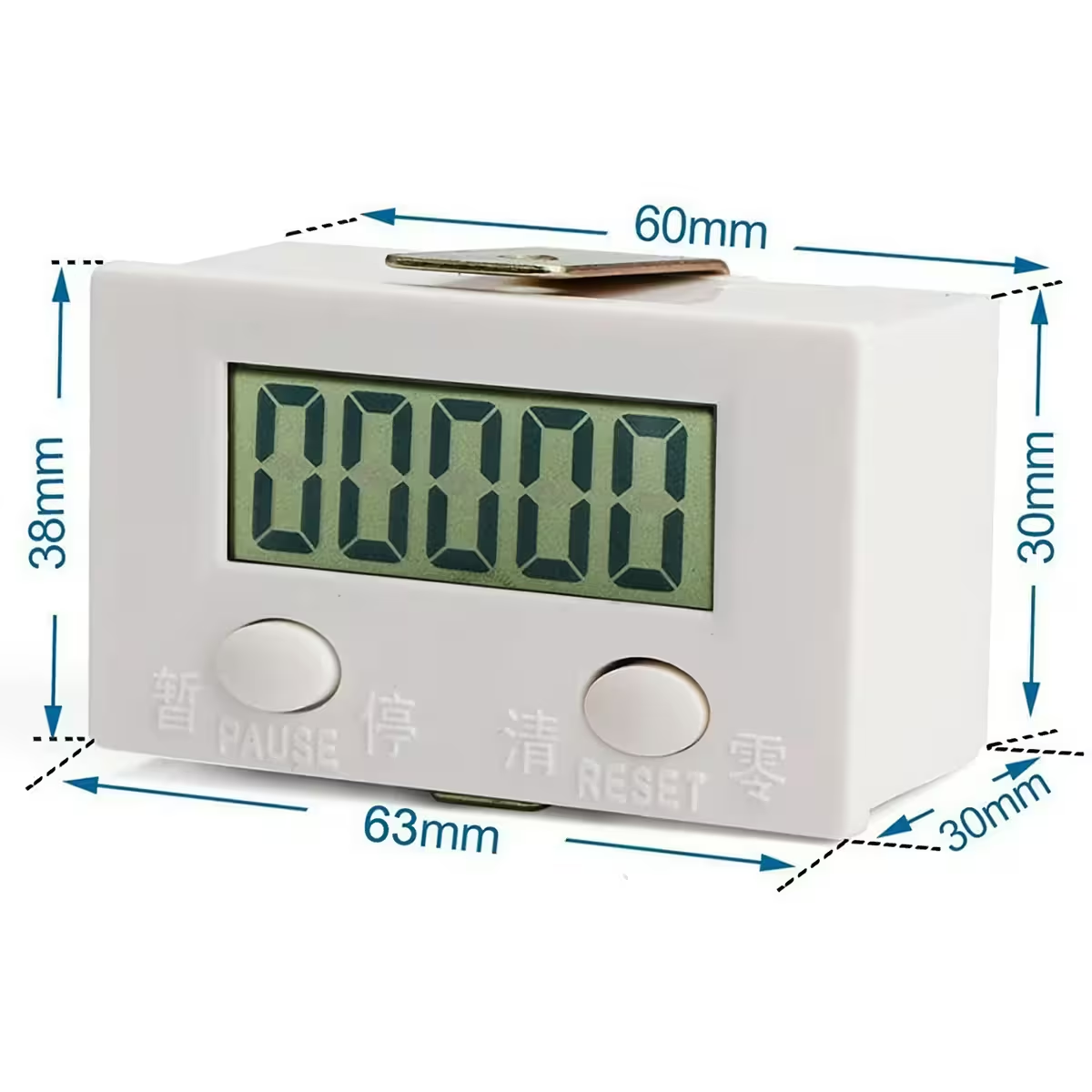
- 5-digit display with 18 mm characters — Highly legible from a distance, even in dimly lit industrial environments.
- Up to 30 pulses per second — Ideal for dynamic applications like winding, baling, or CNC machinery.
- Immune to electronic noise — Counts on the negative signal edge to prevent false readings caused by interference.
- Quick panel mounting (35×61 mm cutout) — Only 31 mm deep with a slim 3 mm bezel for a clean, professional finish.
- Compatible with relays and limit switches — Not limited to the included sensor; you can connect any standard dry contact.
Details and Performance
The white polycarbonate housing combines mechanical durability with a professional aesthetic suitable for visible control panels. With an IP40 rating, it is well-suited for controlled industrial environments, including production floors, packaging lines, and commercial access points.
The M12 Reed sensor features a 40 mm threaded section, allowing for precise distance adjustment against the magnet on metal surfaces. The 100 cm cable provides excellent positioning flexibility. The 12×3 mm disc magnet triggers the sensor with every pass, generating a pulse on the negative edge—a simple, reliable mechanism with no moving electronic parts.
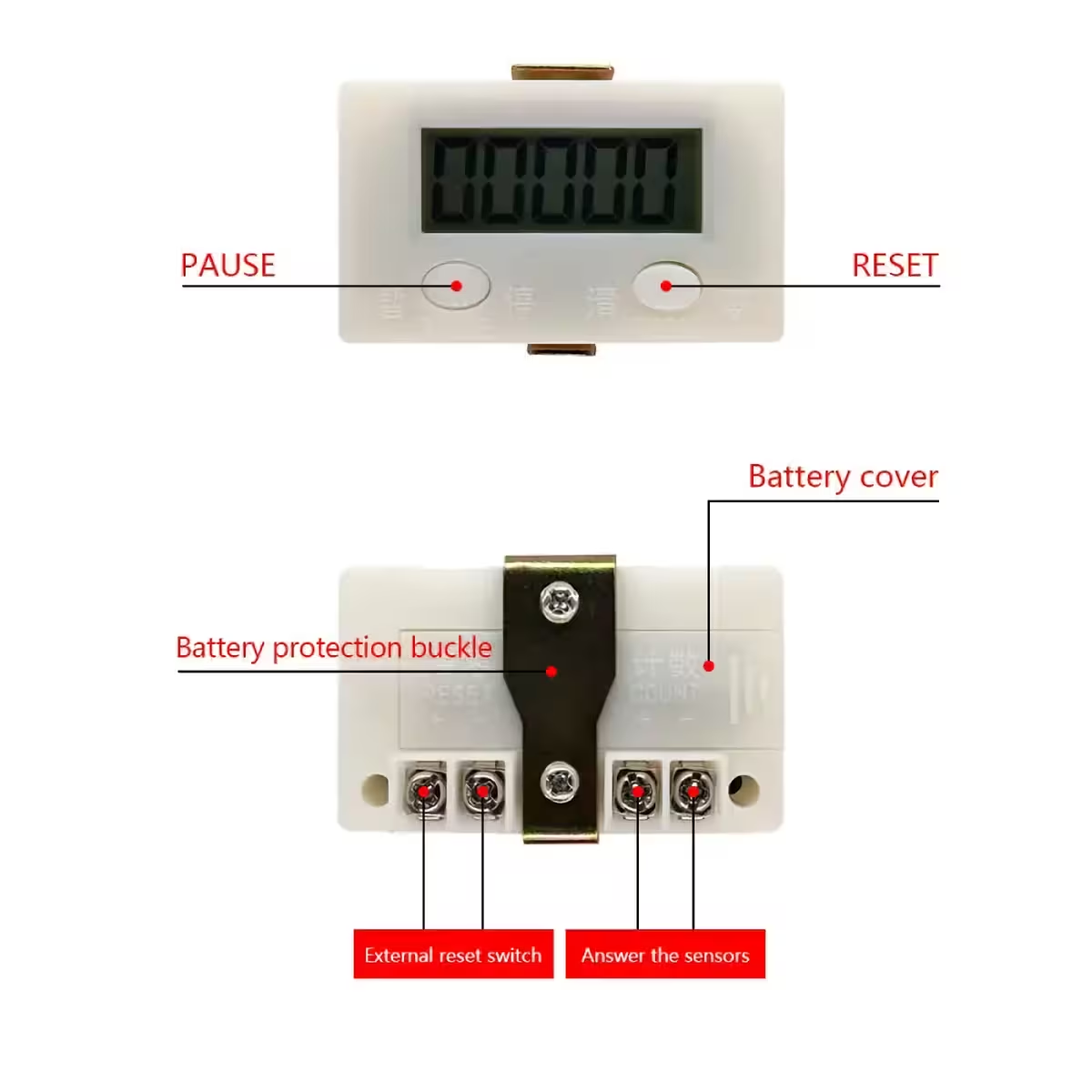
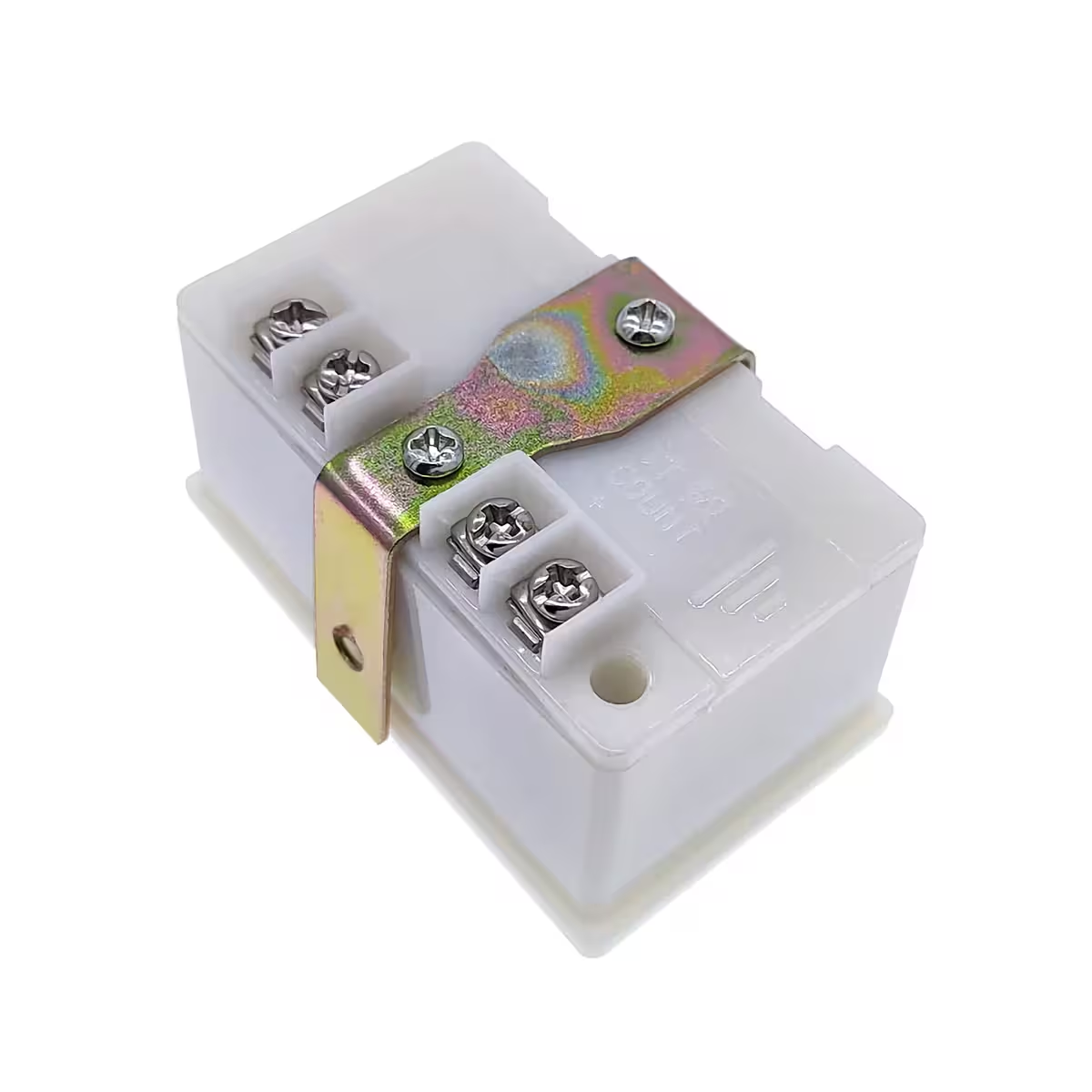
The front panel features a POWER button (long-press to toggle on/off) and a dedicated RESET button. The battery can be replaced without tools by simply sliding off the rear cover.
| Parameter | Value / Detail |
|---|---|
| Power Supply | AA – R6 battery (not included) |
| Battery Life | 1–2 years |
| Display | 5 digits, 18 mm characters |
| Counting Range | 00000 – 99999 |
| Max Pulse Frequency | 30 pulses/second |
| Operating Temperature | 0°C – 60°C |
| Housing Material | White polycarbonate |
| Protection Rating | IP40 |
| Panel Cutout | 35 × 61 mm |
| Mounting Depth | 31 mm |
| Front Bezel Height | 3 mm |
| Bezel Dimensions | 37 × 63 mm |
| Counter Cable Length | 100 cm |
| Sensor Type | Magnetic Reed, M12, Ø 12 mm |
| Sensor Length | 58 mm |
| Sensor Threaded Length | 40 mm |
| Sensor Cable Length | 100 cm |
| Disc Magnet Size | 12 × 3 mm |
Package Contents
- ZX-5DK Digital Pulse Counter
- Magnetic Reed Sensor (M12, Ø 12 mm) with 100 cm cable
- Disc Magnet (12 × 3 mm) for sensor triggering
- Metal mounting bracket
- 2 × Sensor fixing nuts
Frequently Asked Questions
Is the battery included in the package?
No. It operates on a standard AA (R6) battery, which is installed under the sliding rear cover. The estimated lifespan is 1–2 years under normal usage conditions.
Can it be used to count people at a shop entrance?
Yes. Simply mount the sensor near the door frame and the magnet on the moving door element. Each time the door opens, the counter records an event—simple and without visible power cables.
Can it count pulses from a 220V AC mains network?
Not directly. You should connect the dry contact of an intermediate relay powered by the 220–240V AC circuit, and then connect the ZX-5DK to that contact. The sensor itself does not come into contact with mains voltage.
What happens when the display reaches 99999?
It automatically rolls over to 00000 and continues counting. You can also perform a manual reset at any time using the RESET button on the front panel.
Reviews
There are no reviews yet.